
A11ySpace · VR web app
A11ySpace VR
The inclusive classroom for the Meta Quest 3, also runs on a regular screen
The inclusion teaching lab from other perspectives: in a wheelchair, with a visual impairment, with sensory overload or hearing loss. The app is in German.
- Nine stations each with a question from everyday school life – from the wheelchair to the seating chart
- Assistive aids such as a magnifier, ear defenders or a reacher to try out
Screenshots
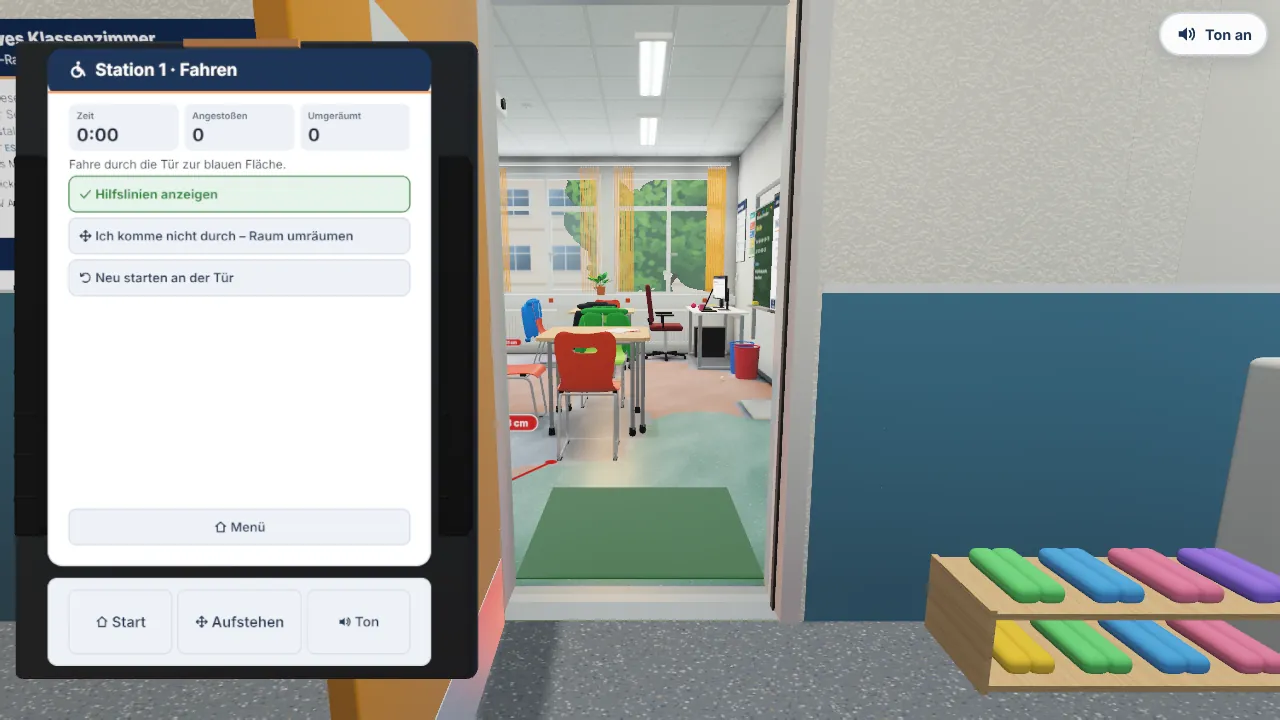
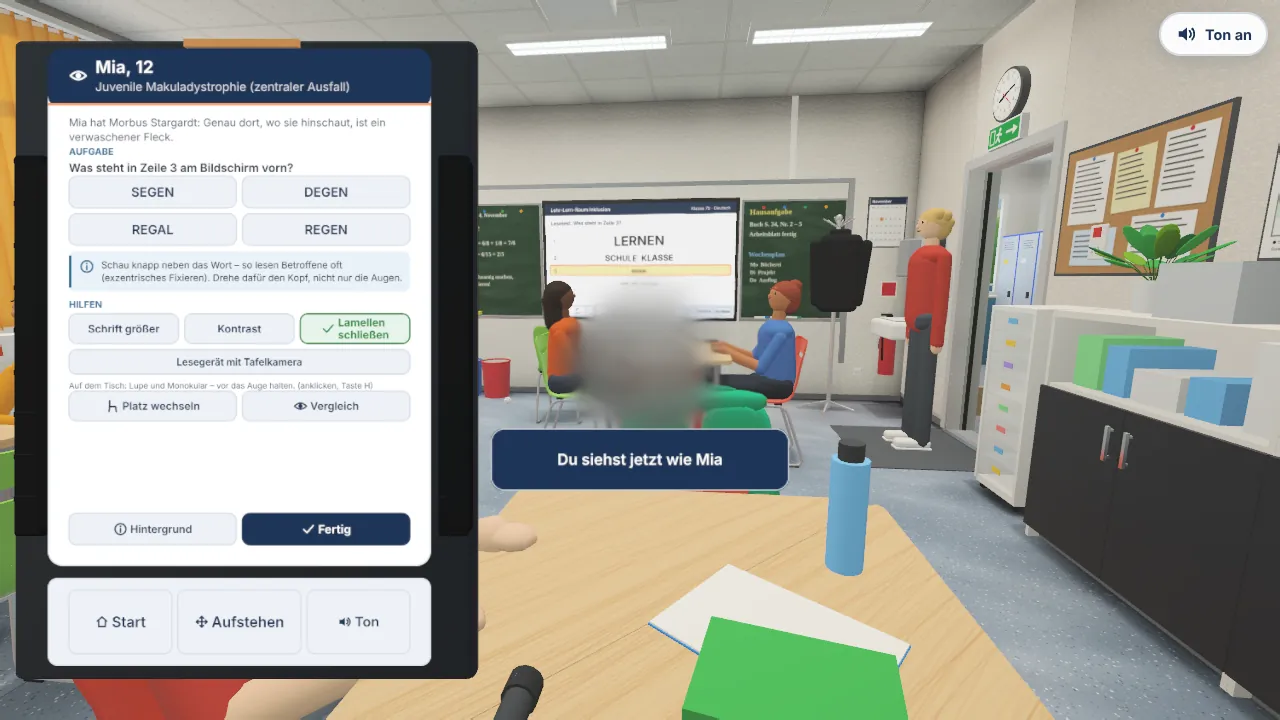
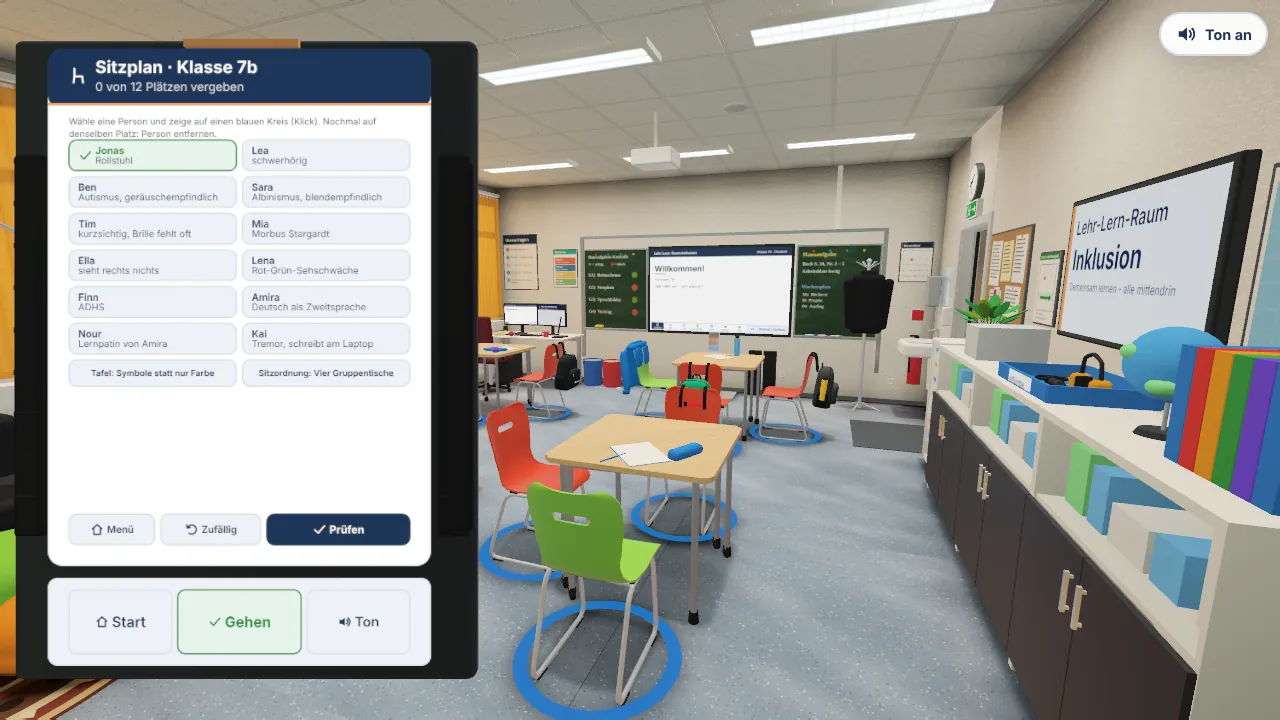
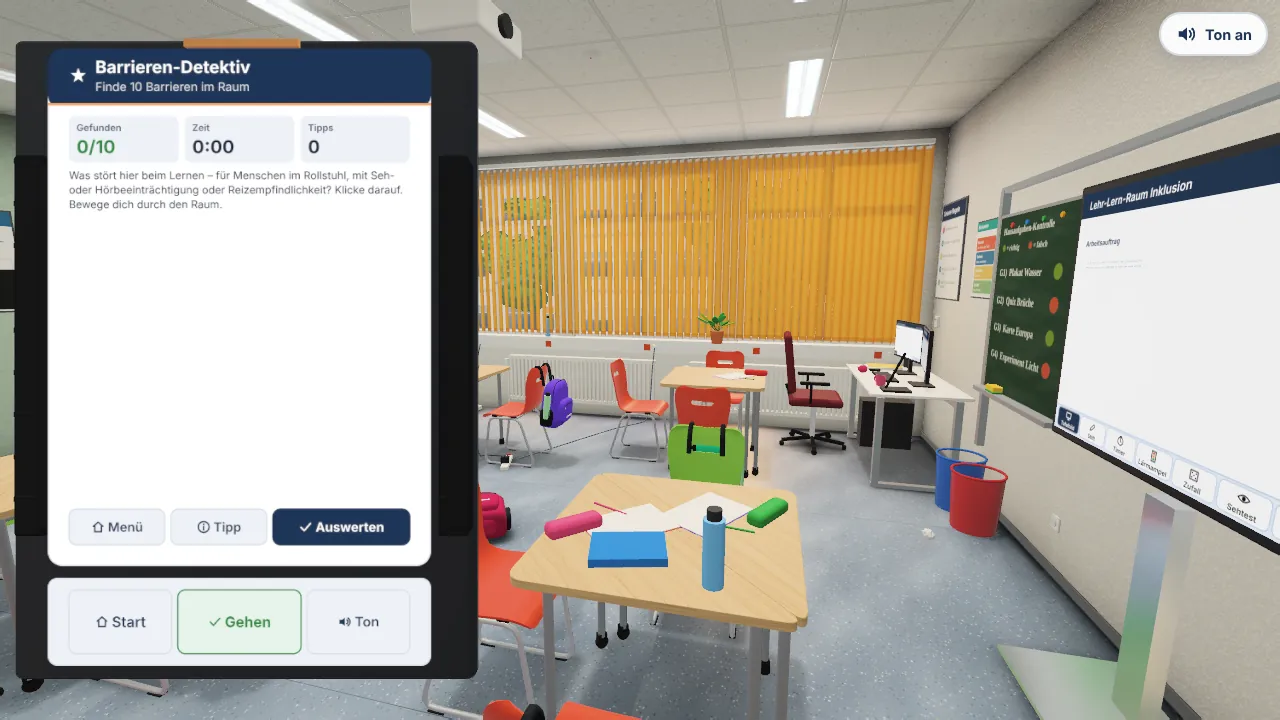
Captured in screen mode. In the headset you see the room at full size and grab things with your own hands.
Getting started: On the Meta Quest 3, open the page in the browser and choose “In VR starten” (start in VR), ideally sitting down; the room check appears if the headset supports passthrough. On a screen: drag the mouse to look around, W A S D to move, Tab for the menu.