
Inclusive Classroom VR
For the Meta Quest 3 – also runs on a normal screen
The inclusion teaching lab from other perspectives: in a wheelchair, with a visual impairment, with sensory overload or hearing loss. The app is in German.
- Nine stations each with a question from everyday school life – from the wheelchair to the seating chart
- Assistive aids such as a magnifier, ear defenders or a reacher to try out
- Everything from code – well suited for publication as OER
Stations
Every station starts with a question from everyday school life. If you hit a barrier, you rearrange the room, pick up assistive aids and get concrete tips on what helps at the end.
-
1 · Wheelchair
“Can I get to my seat?”
Drive from the door to the group table – where it is too narrow, rearrange the room.
-
2 · Seeing
“Can I read the board?”
Ten children with different visual impairments – try out seats and aids.
-
3 · Stimuli and hearing
“Where can I work well?”
Spatial sound, walkways, flickering light – and a hearing test in background noise.
-
4 · Grasping and reaching
“What is within reach?”
Solve seven everyday tasks from a wheelchair with your own hands.
-
5 · Hand, focus, language
“What do Kai, Finn and Amira need?”
Tremor, ADHD and a language of instruction you don’t yet understand.
-
A school lesson
“When do barriers arise?”
Experience 45 minutes in 4 minutes and report barriers.
-
Planning a seating chart
“Who sits where – and why?”
As the teacher, seat twelve children, then try out every seat yourself.
-
Room check (mixed reality)
“Does a wheelchair fit through my room?”
With the Quest 3: a virtual wheelchair and a tape measure in your real room.
-
Barrier detective
“What is in the way here?”
Find ten barriers in the room, with tips and explanation cards.
Plus “Free exploration”: all seating arrangements, the time of day and all 17 visual impairments.
Screenshots
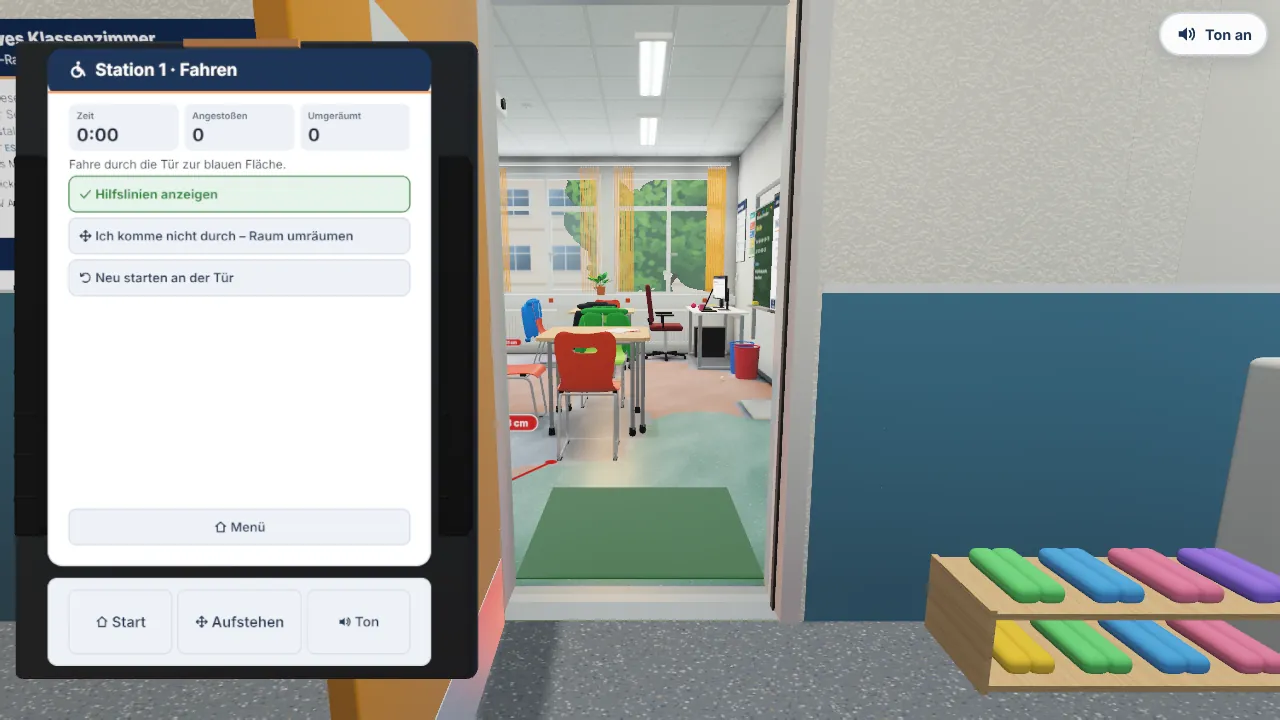
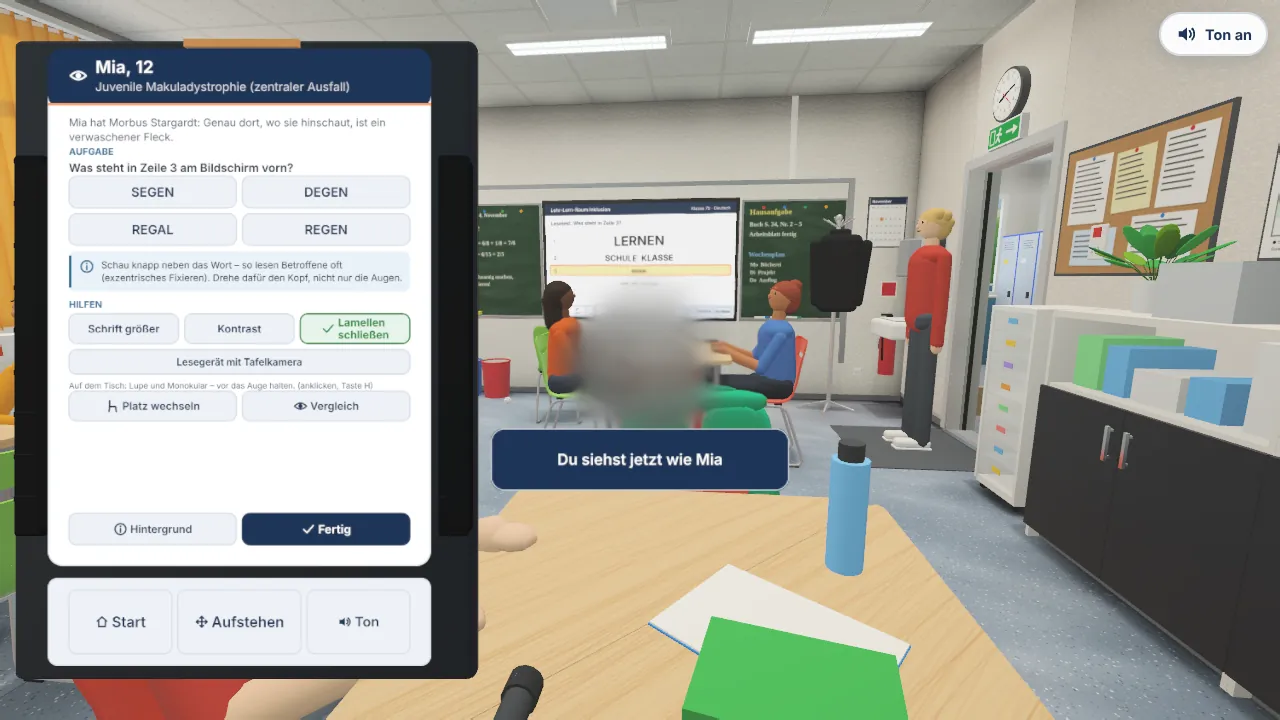
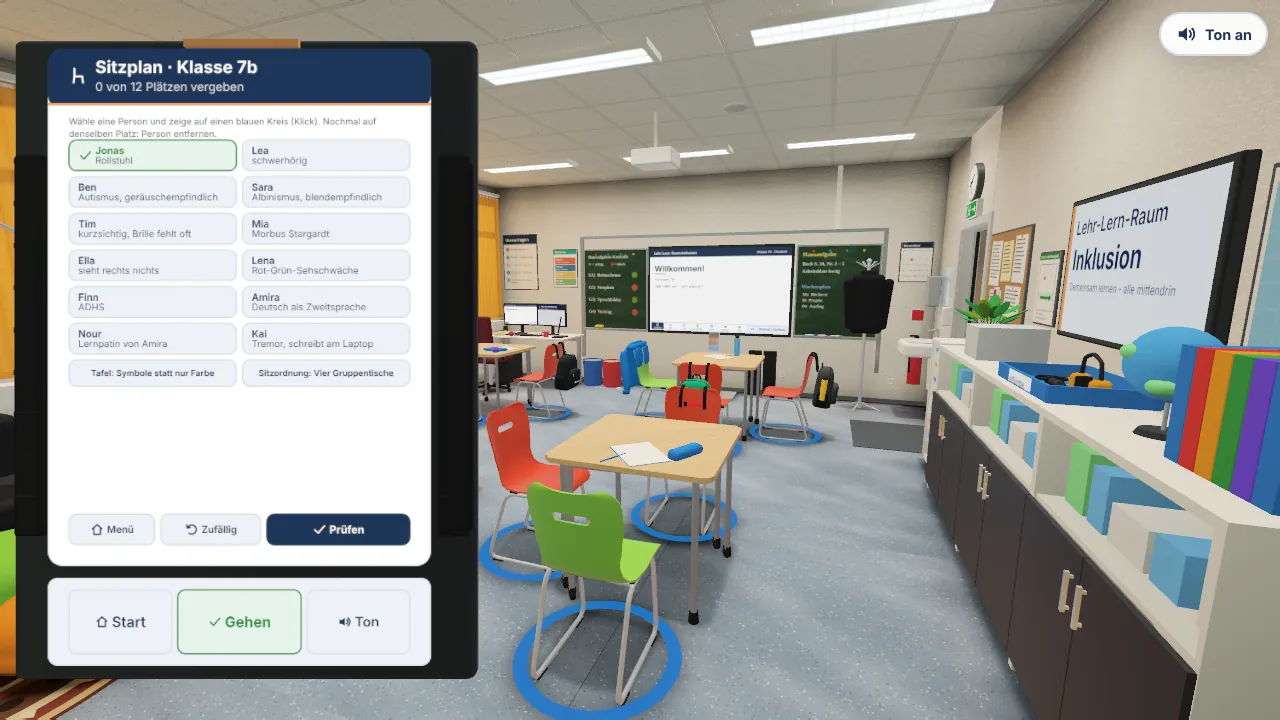
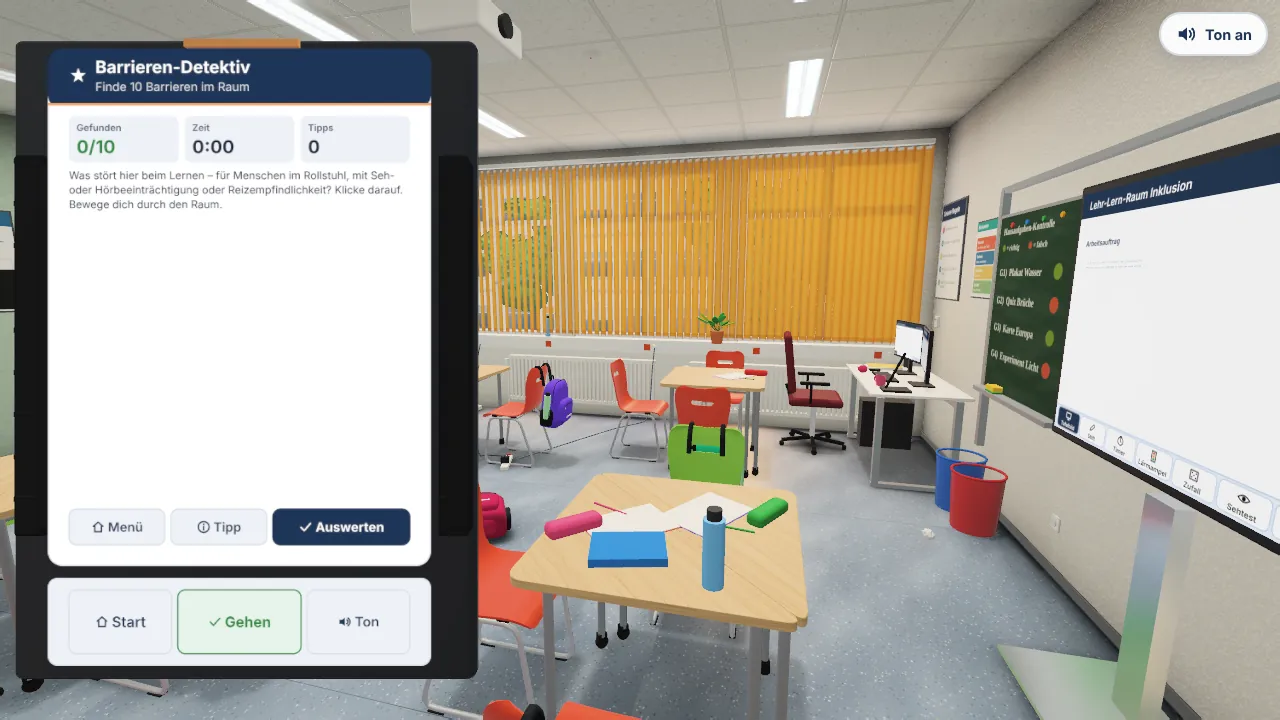
Captured in screen mode. In the headset you see the room at full size and grab things with your own hands.
Assistive aids and game elements
- Hands-on assistive aids: the magnifier and monocular really magnify, plus a video magnifier with board camera, glasses, ear defenders, an FM transmitter for the teacher’s voice, a reacher and a grip aid.
- Playful but serious: up to three stars per task, 19 badges and a certificate on the board at the end; the trade-fair mode leads through all stations in a fixed round.
- Everything from code: furniture, textures and sounds are generated in the browser – no image or model files, well suited for publication as OER.
Getting started: On the Meta Quest 3, open the page in the browser and choose “In VR starten” (start in VR), ideally sitting down; the room check appears if the headset supports passthrough. On a screen: drag the mouse to look around, W A S D to move, Tab for the menu.